Press Kit
Everything you need to cover ChargePilot: fact sheet, boilerplate, app icon, logo, and Retina screenshots. No sign-up, no watermarks.
Facts at a glance
- Name
- ChargePilot
- Category
- macOS utility: battery monitoring
- Price
- Free (core features) · Pro $9.99 one-time, lifetime, no subscription
- Platform
- macOS 13.0+ · Universal (Apple Silicon & Intel)
- Languages
- English, German
- Distribution
- Mac App Store + direct download at getchargepilot.app
- Launch
- Summer 2026 (exact date TBA)
- Developer
- Marc Mantei, independent developer, Germany
- Press contact
- hello@getchargepilot.app
Key features
Screen-Edge Glow
The screen edge glows when battery thresholds are crossed: orange at low, red at critical. Visible at a glance, even in full-screen work. 16 themes, fully customizable (Pro).
Smart Notification Bubbles
Beautiful, glassmorphic in-app bubbles instead of system notifications. Five default thresholds out of the box; critical alerts persist and dodge your cursor instead of blocking it.
Bluetooth Device Levels
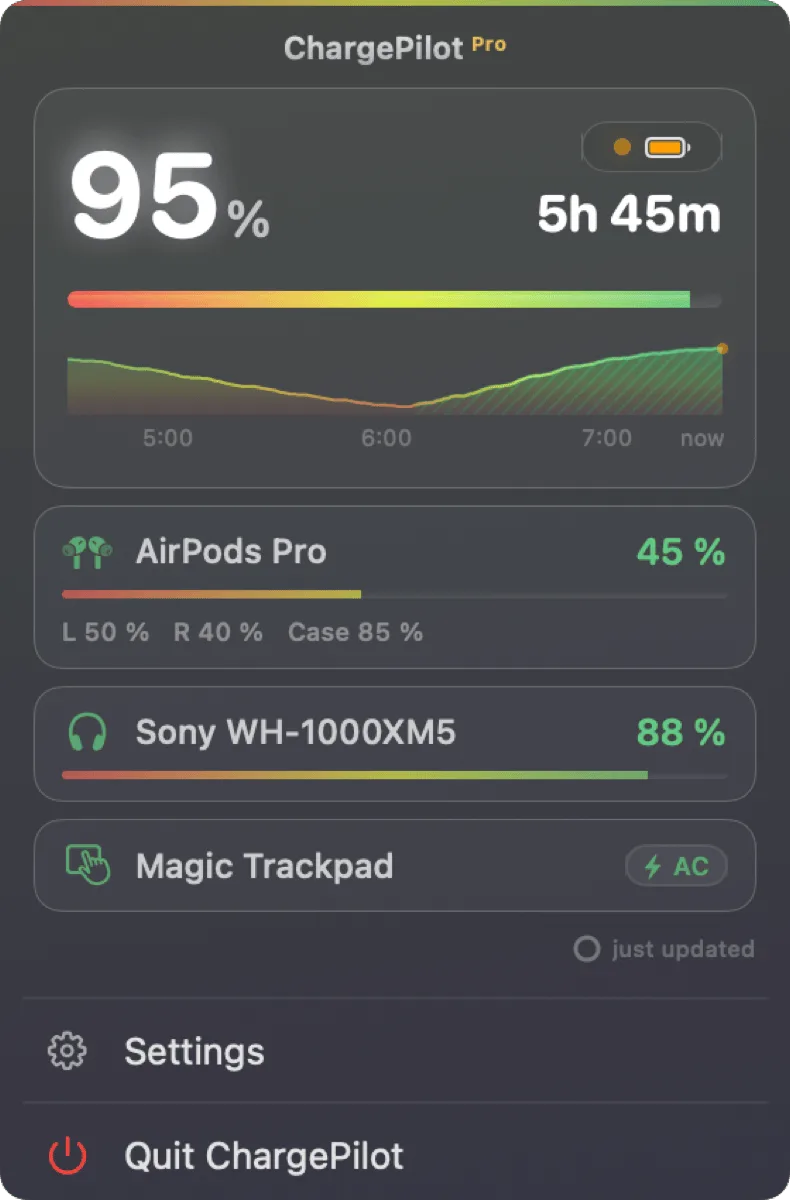
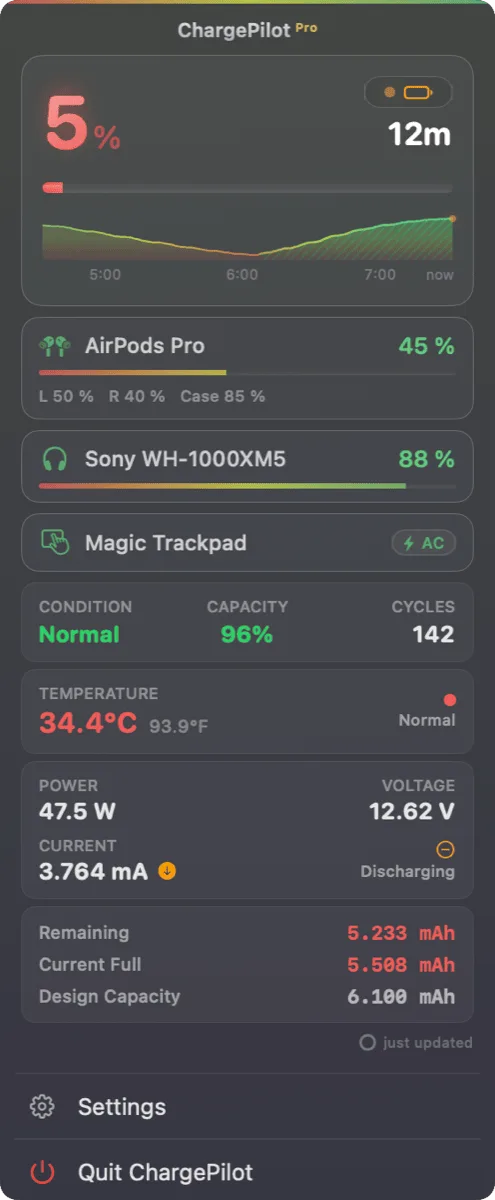
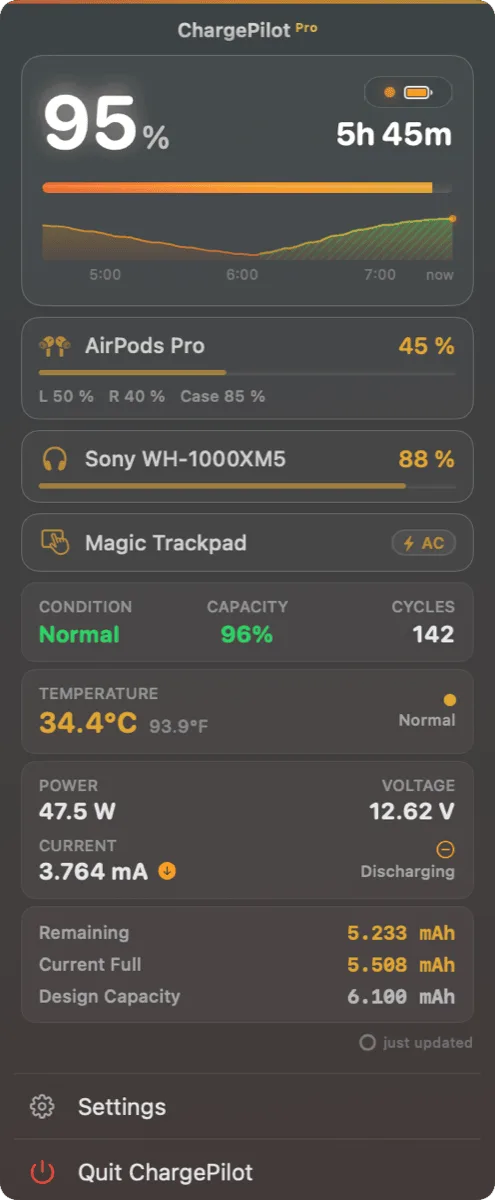
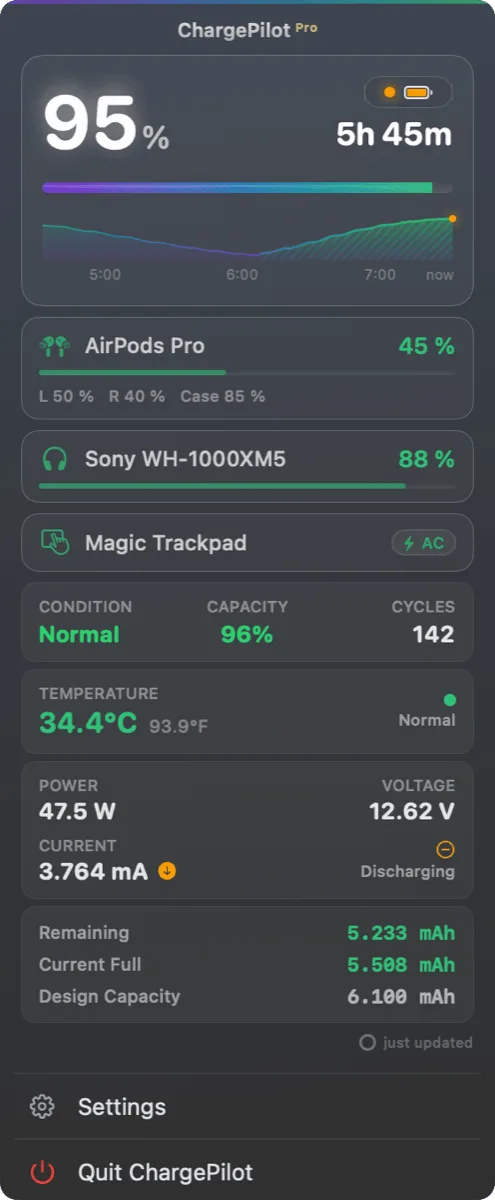
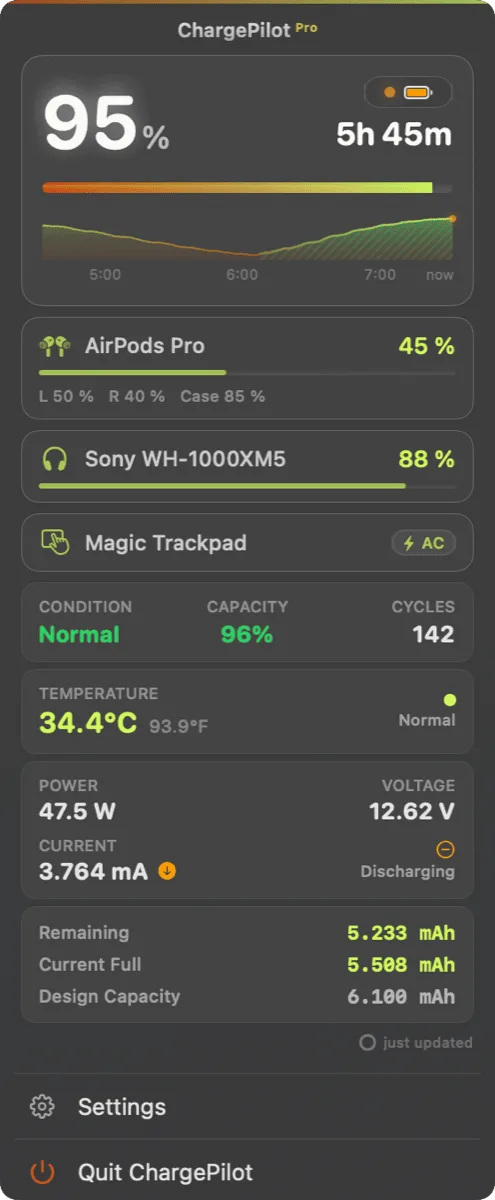
AirPods (left/right/case), mice, keyboards, trackpads and headphones in one popup, each with its own progress bar.
Battery Health & History
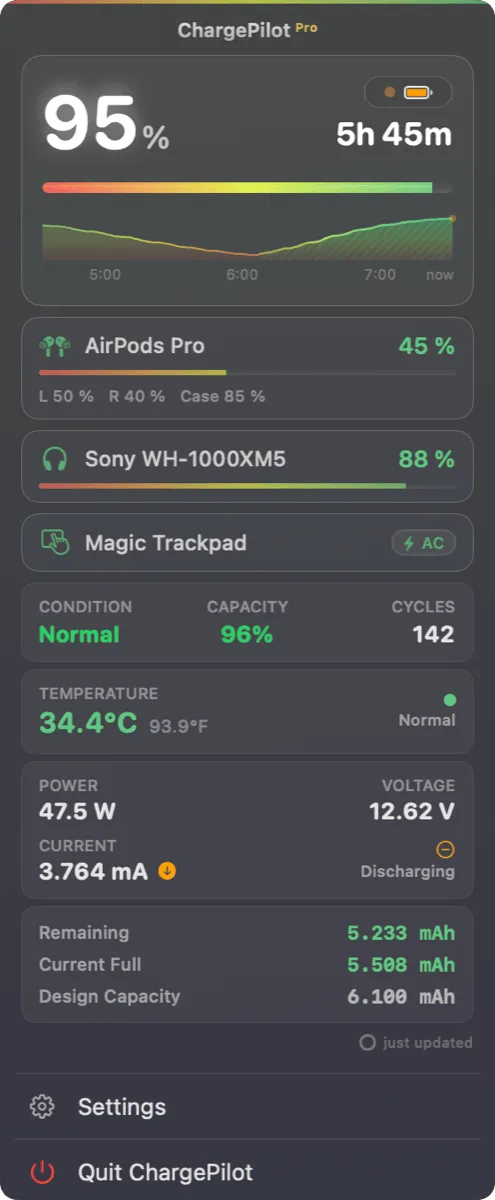
Health percentage, cycle count, and trends over time (Pro).
Your Menu Bar, Your Style
Battery or circular ring icon, with or without percentage, in 16 themes.
Native & Private
Swift/AppKit, no Electron. No telemetry, no accounts: all data stays on the device.
Boilerplate, ready to use
ChargePilot is a beautifully designed macOS menu bar app that keeps an eye on your Mac's battery, and every Bluetooth device connected to it. Customizable screen-edge glow alerts and smart notification bubbles make sure you never miss a critical battery moment.
ChargePilot is a native macOS menu bar app that turns battery monitoring into something you actually enjoy looking at. When your battery crosses a threshold, the edge of your screen glows, orange at low and red at critical, and elegant glassmorphic notification bubbles keep you informed without interrupting your work. One click in the menu bar shows your Mac's battery alongside every connected Bluetooth device, from AirPods (including left, right, and case) to mice, keyboards, and headphones. Pro users unlock battery health trends, 16 customizable glow themes, and full control over the look of their menu bar. Built entirely in Swift with no telemetry and no accounts, ChargePilot is free to use, with a one-time $9.99 lifetime Pro upgrade, no subscription. Available on the Mac App Store and as a direct download at getchargepilot.app.
Screenshots
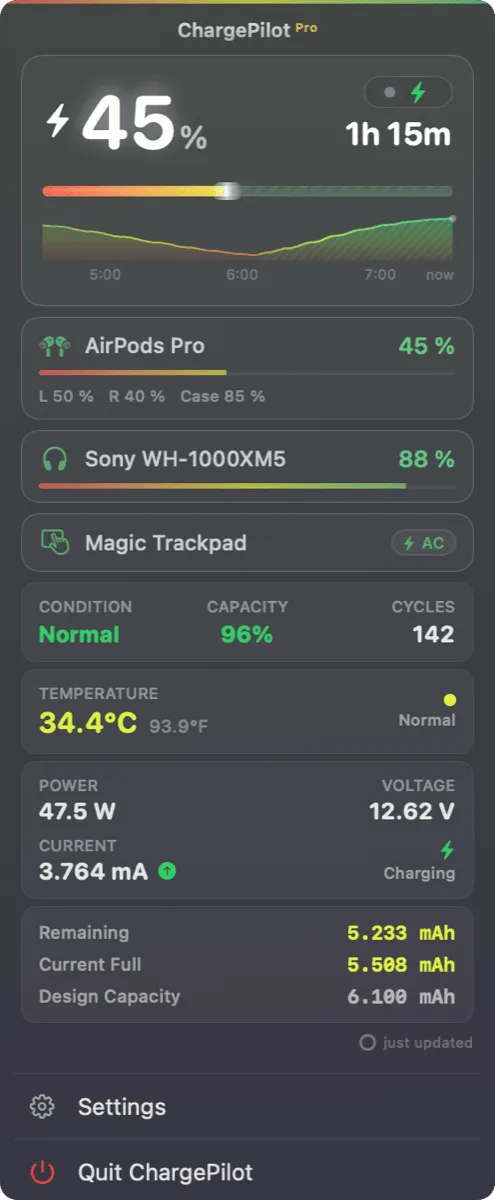
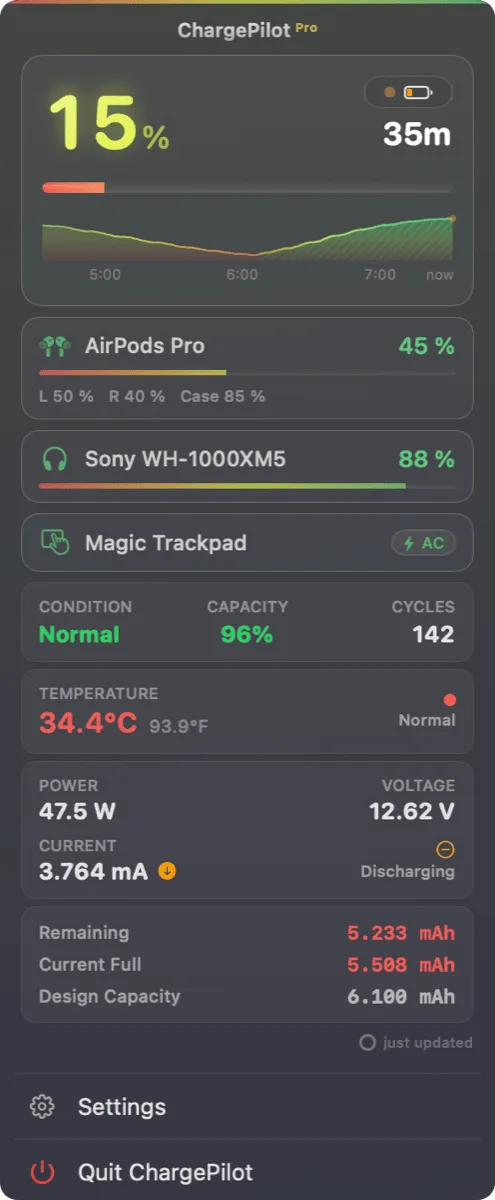
Preview below: full-resolution Retina PNGs (all battery states, more themes) are included in the ZIP.
Logo & app icon
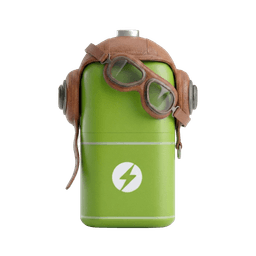
Transparent PNGs from 128 to 1024 px plus the full-resolution logo artwork are in the ZIP. Please don't modify the logo or icon, and don't use them to imply endorsement.
Promo codes & contact
App Store promo codes and direct-download license keys for editorial review are available on request. For interviews, additional materials, or anything else: hello@getchargepilot.app and you'll usually hear back within a day.